Another Magic Tracking Gizmo
A self-hosted web app to browse every Magic: The Gathering card and keep track of your own collection and decks. Runs on a Windows PC with nothing else to install, or in Docker. Use it from any browser, phone included.
Download for Windows Docker Source
Free and open source. No account, no subscription, no telemetry.
Every card, every night
All cards ever printed, plus previewed ones, refreshed nightly from Scryfall.
Search that speaks Magic
Type t:dragon c:r mv<=4 or use the filter panel, which writes the query for you.
Your collection, located
Quantity, finish, condition, language, and where the card physically is: binder, box, deck.
A new set in minutes
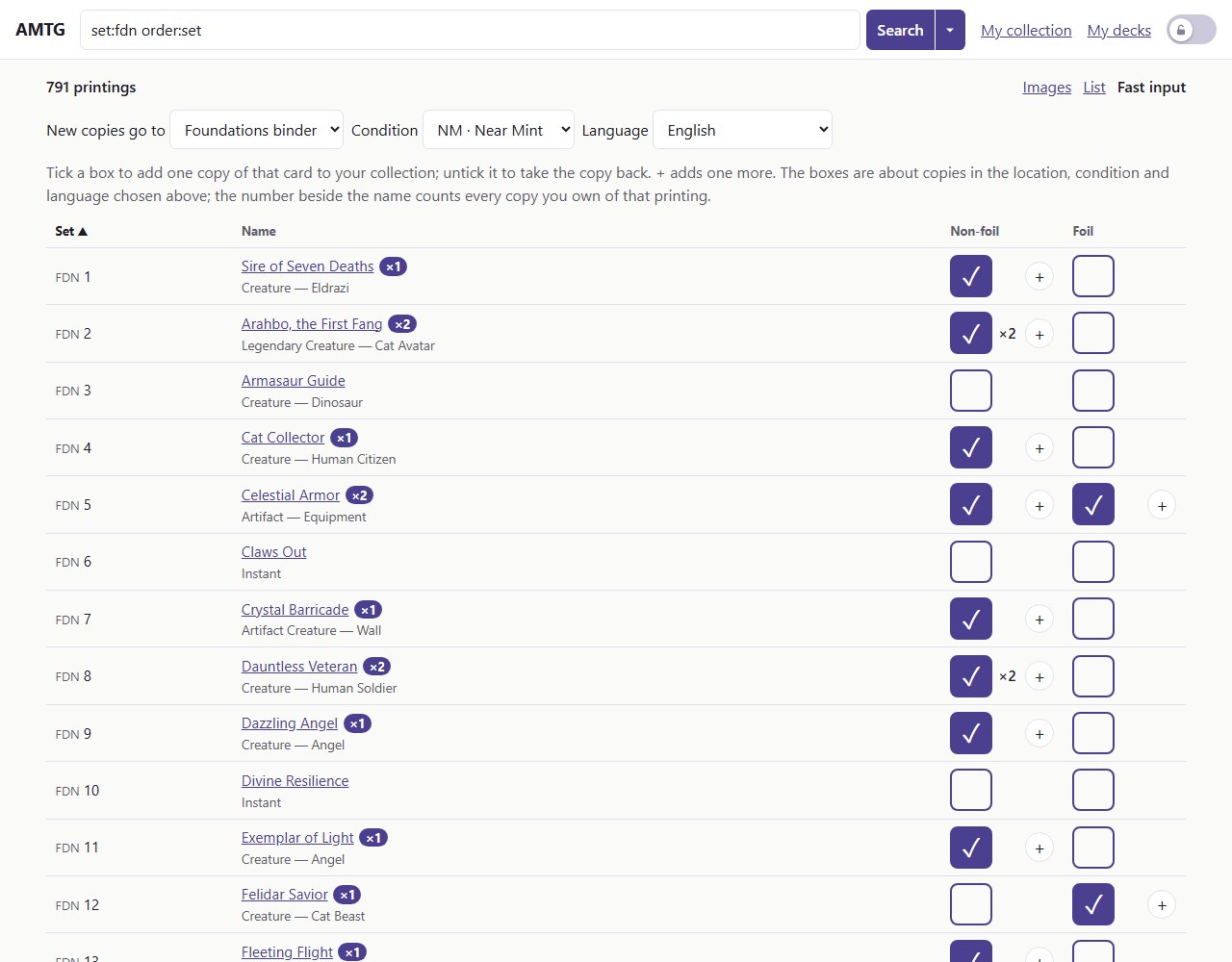
Fast input puts two boxes, non-foil and foil, beside every card of a search: tick one and that copy is in your collection.
Decks that know what you own
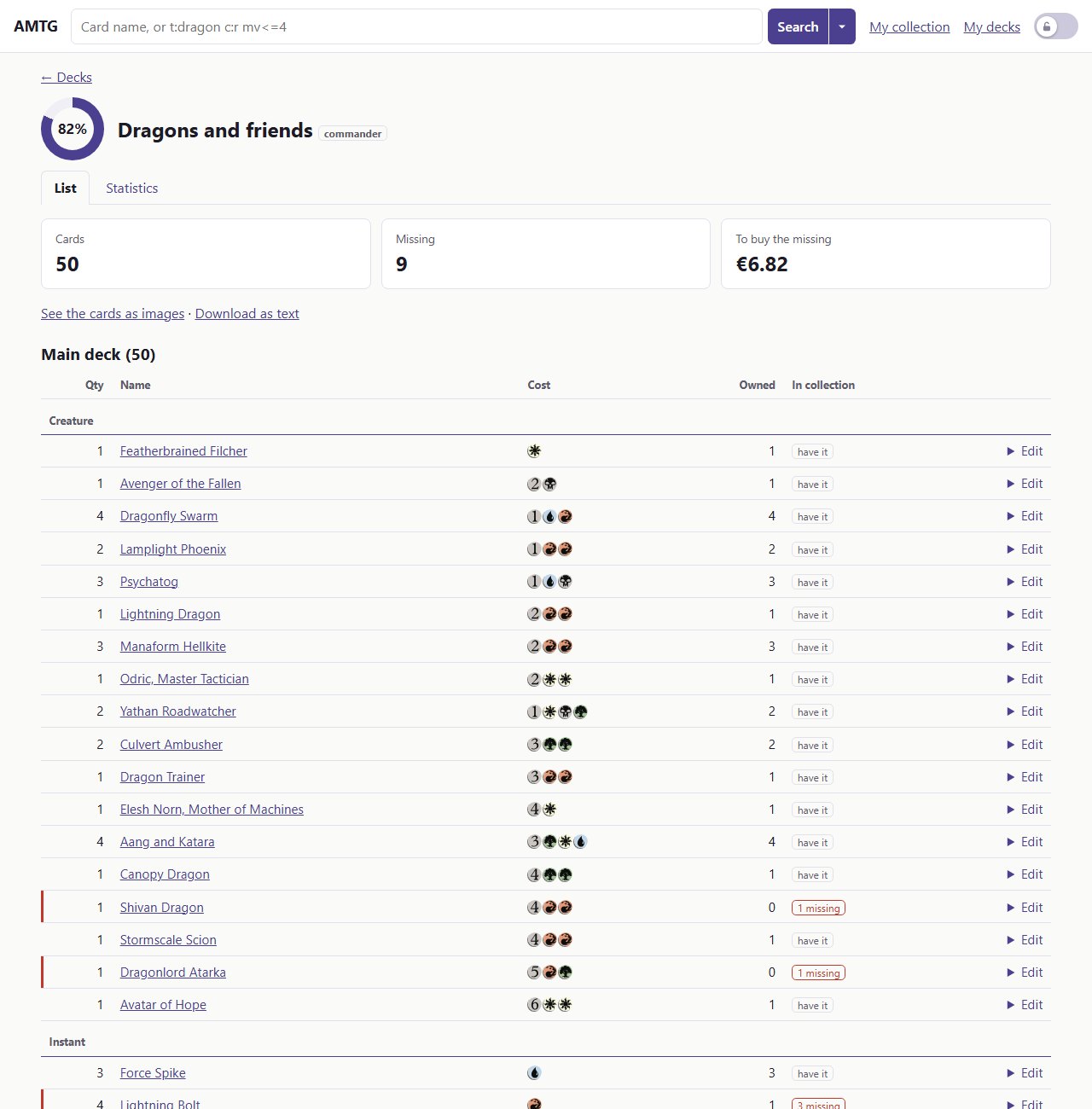
Paste a list and see completeness, missing cards, and cards several decks fight over.
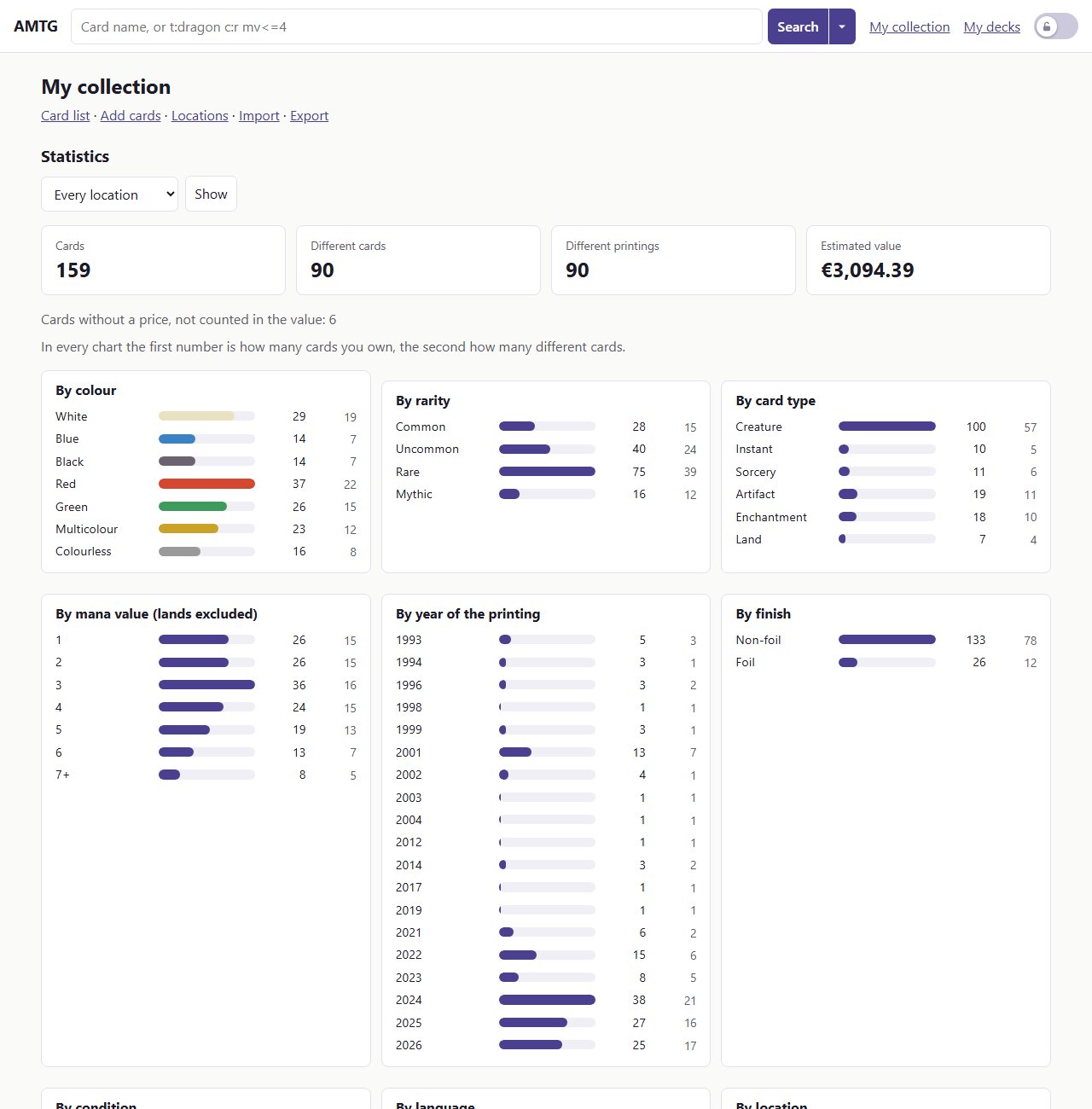
Statistics
By colour, rarity, type and year; value; set completion.
Your data stays yours
One SQLite file, exported to CSV or JSON any time, backed up every night.
A safety lock
Browse on your phone without changing anything by accident.
English and Italian
Switch language at the bottom of any page.
See it at work
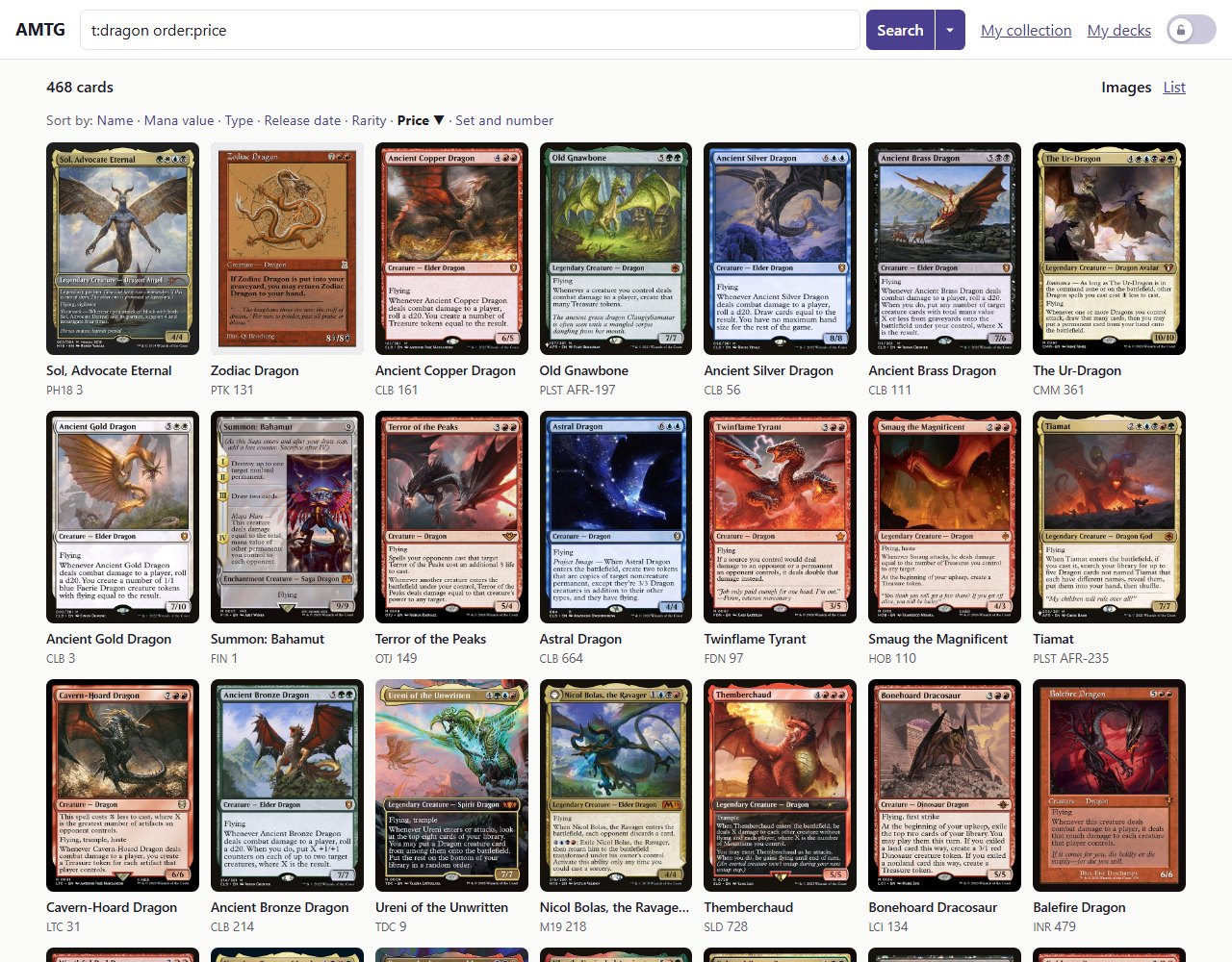
t:dragon order:price shows every dragon as card images.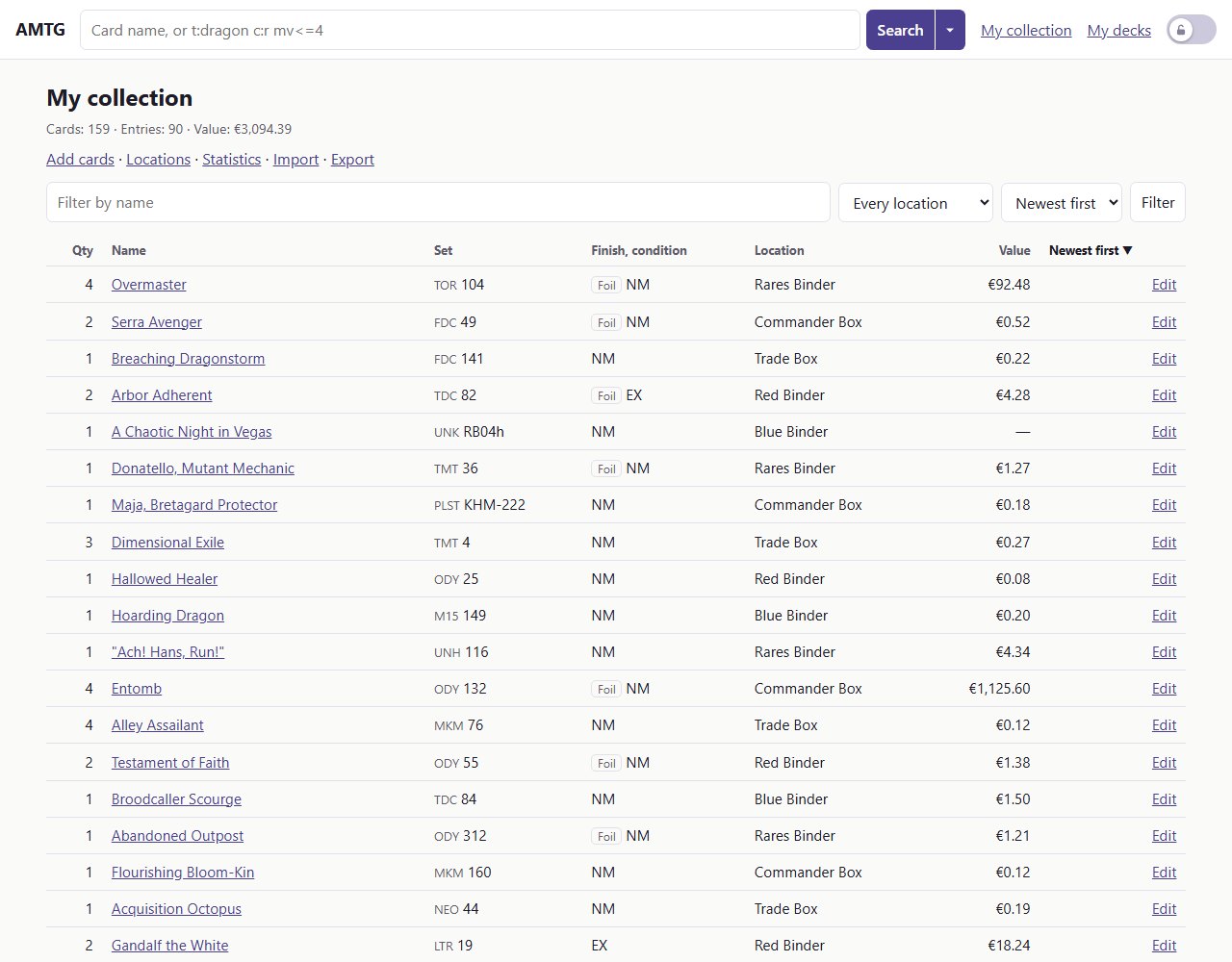
Private by design
AMTG runs on your own computer or server. The only things it asks the internet for are card data and images from Scryfall and, on the Administration page, whether GitHub has a newer version (you can switch that off). Your collection never leaves your machine.
Get started
- Download
magic-db.exeand put it in a folder of its own. - Double-click it. Your browser opens on
http://127.0.0.1:8080. - Wait a few minutes while the first start downloads the card catalog (about 80 MB).
On Linux, macOS or a NAS, use Docker. Then read the guides.
Support AMTG
AMTG is free and will stay free. If it is useful to you, a coffee is a nice way to say thanks and helps me keep improving it.